Feeling a bit uncertain about MuleSoft's upcoming automatic LTS upgrade? If you're managing applications on Mule Runtime 4.6 LTS, you likely know that a shift is coming. Since MuleSoft changed its release cadence last year, this August 2025 marks the first time an automatic upgrade to a new LTS version (4.9) will occur.
As a busy developer focused on keeping things running smoothly while advancing your career, navigating this change efficiently is key. You're likely juggling multiple projects and don't have time for unexpected upgrade issues. The good news? With some proactive planning, you can manage this transition smoothly. This guide breaks down what's happening, potential gotchas, and practical steps you can take now.
Quick Recap: LTS vs. Edge Releases#
First, a quick reminder of MuleSoft's cadence:
- LTS (Long-Term Support): Released annually in February. Focuses on stability and includes features accumulated from previous Edge releases. Supported for a longer duration.
- Edge: Released three times a year (Feb, June, Oct). Introduces new features and capabilities faster, but has a shorter support window.
(For full details, check the official MuleSoft LTS/Edge Cadence Documentation)
Your Journey on LTS 4.6 So Far#
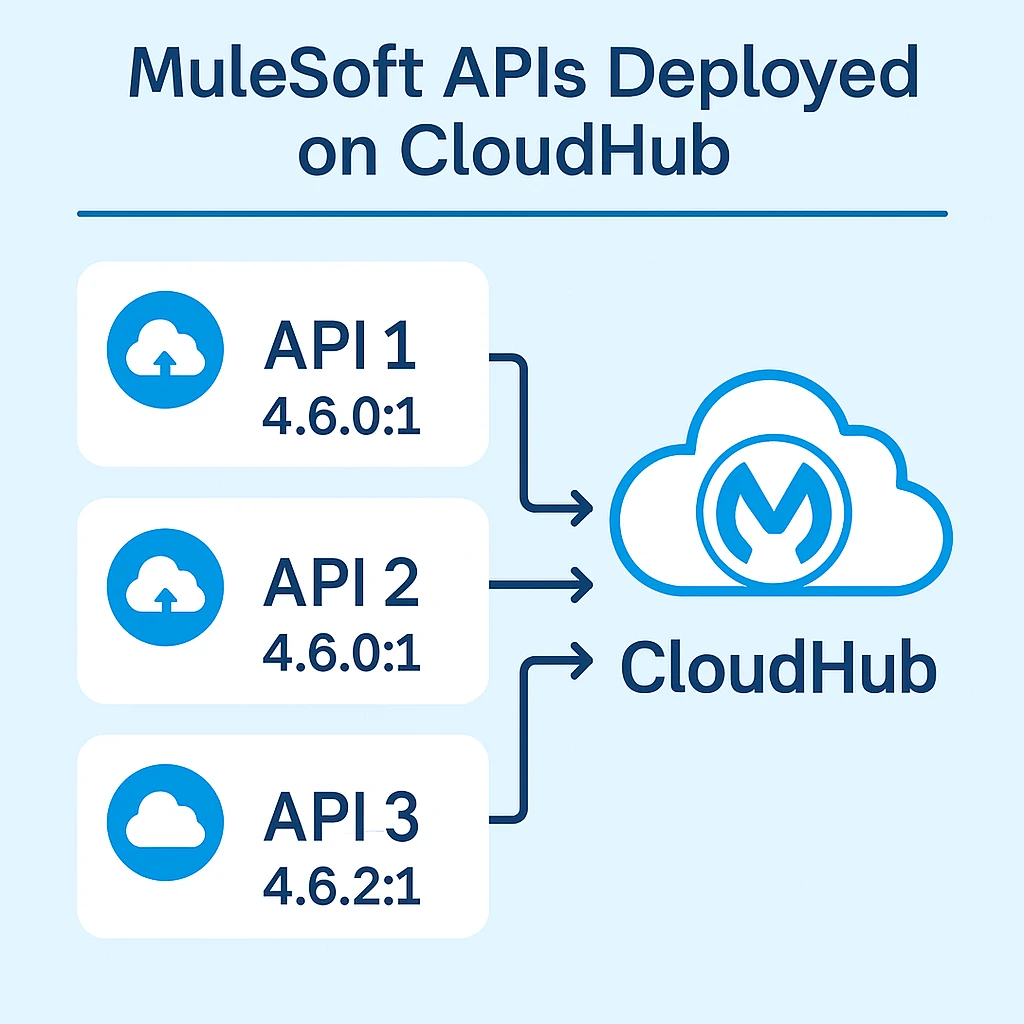
Let's say you (or your customer) wisely chose the LTS path back in March 2024, standardizing on Mule runtime 4.6. Throughout the past year, you've benefited from stability. While Edge releases (like 4.7, 4.8) came out, you could safely ignore them. You also noticed your runtime patch versions updating automatically in CloudHub (e.g., moving from 4.6.x to 4.6.y, perhaps reaching 4.6.12:1 by early 2025). MuleSoft handles these backward-compatible bug fixes for you, ensuring security and stability without manual intervention.
The Main Event: Automatic Upgrade to LTS 4.9 (August 2025)#
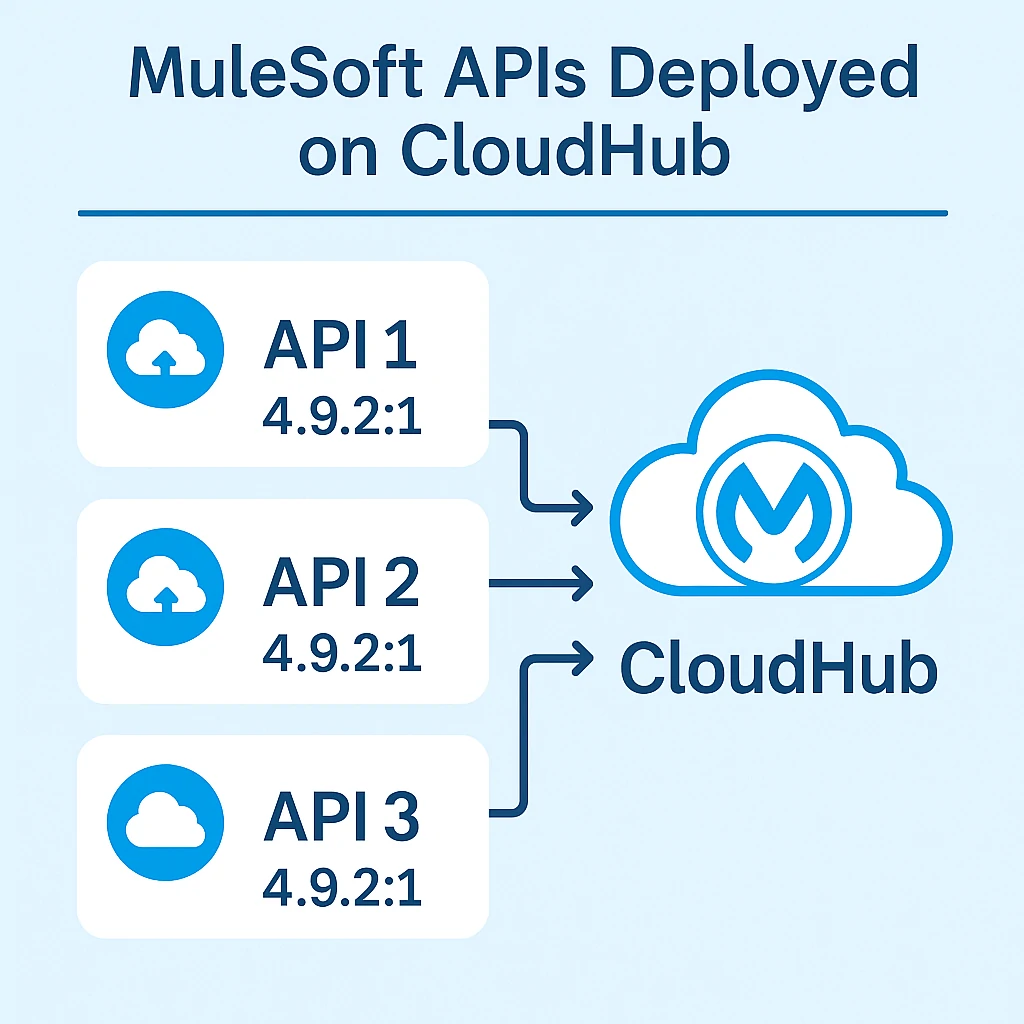
In February 2025, MuleSoft released the new LTS version: 4.9. This version rolls up features from the previous Edge releases. Here’s the critical part: MuleSoft will automatically upgrade environments running the previous LTS (4.6) to the new LTS (4.9) six months after its release, putting the target date in August 2025.
Here’s how the auto-upgrade process works:
- Sandbox First: Approximately one week before the production upgrade, your Sandbox environments running 4.6 LTS will be automatically upgraded to 4.9.
- Production Follows: About a week later, your Production environments will undergo the same automatic upgrade.
The Big Gotcha: Java 17 Requirement#
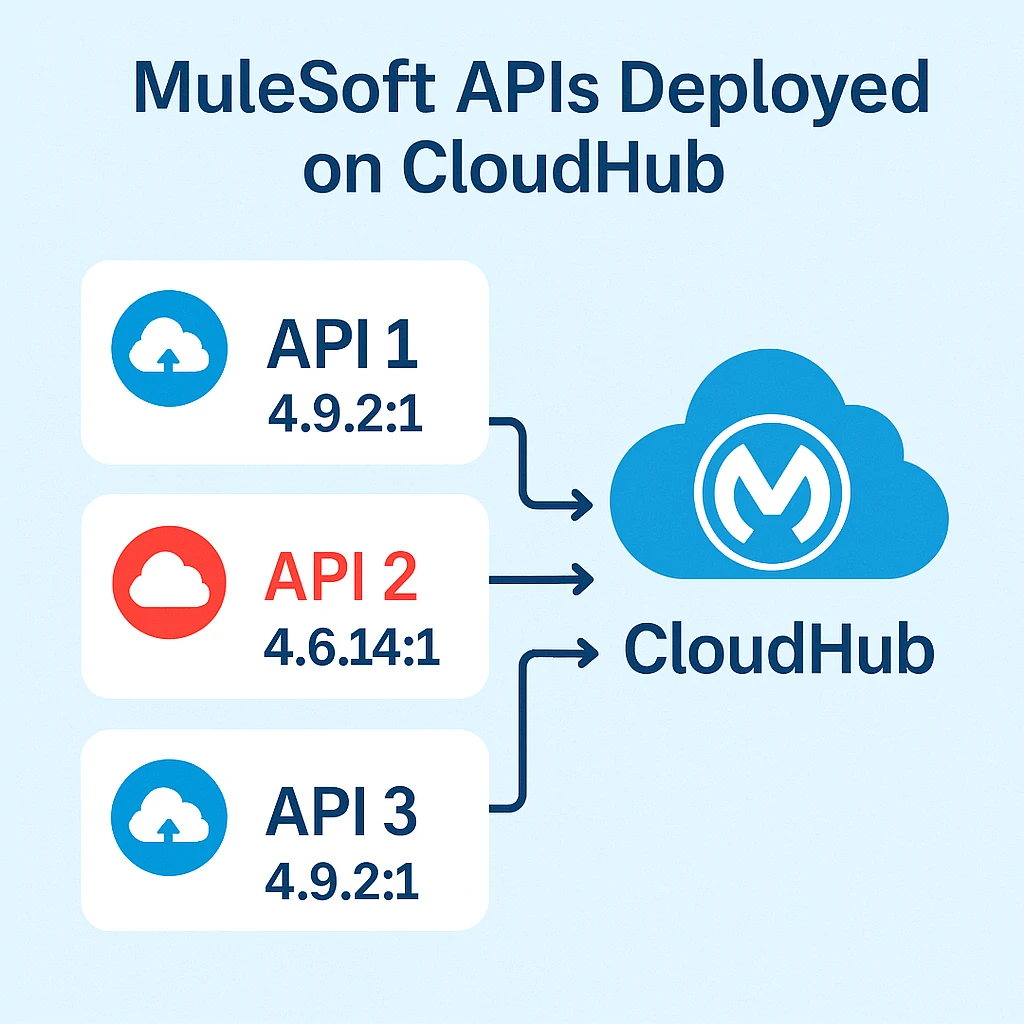
This upgrade from 4.6 to 4.9 is unique. Runtime 4.6 supports applications using Java 8 OR Java 17. However, Mule Runtime 4.9 ONLY supports Java 17.
Crucially: If your applications are currently running on Java 8, they will NOT be automatically upgraded to 4.9. You will need to migrate them to Java 17 first.
Your Action Plan: Prepare Now, Avoid Surprises Later#
- IMMEDIATE STEP: Verify Java Version: Check all your applications currently targeted for the 4.6 LTS runtime. Are they using Java 8 or Java 17? If any critical apps use Java 8, migrating them to Java 17 becomes your top priority before the auto-upgrade timeframe.
- Plan Rigorous Regression Testing: The one-week window when your Sandbox environments are upgraded is your minimum testing period. Plan thorough regression tests to catch any unexpected behavior or breakages after the runtime shift from 4.6.x to 4.9.0.
- RECOMMENDED: Test Proactively (Don't Wait for August!): Why wait for the automatic process? Manually upgrade a non-production environment (like Dev or QA) to 4.9 now. Deploy your applications (already confirmed or migrated to Java 17) and test them on your own terms.
Know Your Support Channels#
- If Testing Fails: If you discover critical issues during testing, immediately contact Salesforce Support. You can request a temporary postponement of the automatic upgrade for specific applications.
- Be Proactive with Your CSM: Discuss your upgrade plan and any concerns with your MuleSoft Customer Success Manager well before August. They can provide guidance specific to your organization.
A Valuable Safety Net: Feature Flagging in 4.9#
MuleSoft introduced Feature Flagging in runtime 4.9. Even if your application is deployed on the 4.9 runtime, you can configure it to behave as if it's running on an older version (like 4.6), using:
{
  "minMuleVersion": "4.6.3"
}
Read more in the Feature Flagging documentation.
Looking Ahead to August 2025#
The goal is a smooth transition, where all your applications seamlessly switch over to the 4.9.0 runtime in August. While we shouldn't necessarily expect major issues, preparation is key for this first-ever LTS auto-upgrade.
By checking your Java dependencies, testing thoroughly, leveraging feature flags, and knowing your support options, you can confidently navigate this change and keep focusing on delivering value and advancing your career.